Complete all three trainings.
Log in to the AI:AT Self-Learning Platform and complete the three Trustworthy AI trainings as they become available. One training is currently live—please make sure to watch it now.
Open training platformInside the AI:AT Coworking Hub
Your central place for onboarding, people, booking links and practical resources at the AI Factory Austria coworking hub.
Onboarding checklist
A clear path from paperwork to your first productive day in the Hub. Open each step for the details.
You'll have completed these with us by email before receiving this link — they're here for your reference. Tick each one to confirm.
Get familiar with the shared-space guidelines before you arrive.
Open documentReview how your badge and building access work.
Open documentIf you haven't already: Sign your Coworking Agreement digitally with A-Trust using ID Austria, or print it, sign it by hand and scan it. Whichever option you choose, email the completed agreement back to us with info@ai-at.eu in CC.Please name the completed document before sending it back: Coworking Agreement - Organisation Name - Start Month - End Month.
Please answer all questions truthfully.If you haven't already: One person from each team should complete the assessment and send it back, keeping info@ai-at.eu in CC. If you answer “Yes” to any question, please point this out in your email. This information is simply for our Ethics team’s awareness.
Join the coworker communication channel and set your display name to “First name Last name | Company name” so everyone knows who you are.
Book meeting rooms, desks, parking and coworker resources. Every coworker joins AI:AT Hub – Coworkers. In addition, join the community that matches your membership: Private Offices, or Community Desks for Community / Dedicated Desk members.
Download the SALTO JustIN Mobile app to your phone and read the user guide so you know how it works. Reception will unlock your mobile door access as part of your onboarding.If you have a private office, Reception will provide you with access chips.
Open JustIN Mobile guideIf you need to print, go to Reception first to get a printer account. Once your account is ready, activate it here using this guide.
Open guideBook a 30-minute slot with Reception.For Community and Dedicated Desk teams: when booking the onboarding, add phone numbers for the team members being onboarded. Reception will activate their mobile door access before day one.
In your onboarding session you will:
After your onboarding, book an in-person AI:AT Advisory Meeting to explore our ecosystem and possible projects, connections and offerings. Up to three startups may join each session. Please book only one slot per startup; up to two people from your startup may attend. Meet at Reception for your meeting.
Schedule advisory meetingComplete this form so your organisation can be added to the Hub Members section of the AI:AT website.
Open profile formSomething not working? Bring your questions to onboarding or email reception@ai-at.eu.
Hub essentials
Enter your approved email address. We’ll email your personal User ID and password. Access is valid for one month from the day it is issued; after it expires, return here to request your next code.
During your time with us
Log in to the AI:AT Self-Learning Platform and complete the three Trustworthy AI trainings as they become available. One training is currently live—please make sure to watch it now.
Open training platformPeople
A small, connected team covering everything from access and community to HPC, growth, events and responsible AI.
Coworking & community support
Have an idea for a community format? Reach out to Mara on Element and let’s bring it to life.
Suggest a community formatYour first stop in the Hub
Events support & coordination
Communications & Marketing
Legal & compliance
Responsible AI & ethics
HPC access & enablement
Find all the information you need about AI:AT’s GPU and HPC access on our website. If you still have questions, reach out to the HPC team above.
View all HPC informationTechnical support
Growth & go-to-market
Workshops & tailored support
Courses & training formats
University partnerships & collaboration
AI advisory & ecosystem
Around AI:AT
The practical information you need to arrive, park, refuel and get on with your day.
Fast connections from across Vienna.
Five free in-house spaces via Anny, paid in-house parking, plus nearby garages, on-street and permanent options.
See all parking optionsCommunity-tested lunch spots, all in one evolving neighborhood map.
 Open Abdul’s Lunch Guide
We have five parking spaces on Level -2 (No. 48, 49, 50, 51 and 53). Once you are officially onboarded and have access to the Anny resources, everyone can book them through the Anny app.
They are for employees and Coworkers who occasionally come by car, or who want to reserve a space for a guest, investor or meeting attendee. Please book only the hours you actually need and don’t occupy a space all day. These spaces are not for permanent parking, so:
Getting in: The garage entrance is on the Karl-Farkas-Gasse 22 side of the building, right next to the Marx Halle. If you have booked via Anny, ring the bell for “AI:AT Factory” and the reception team will let you into the garage.
Reception hours (car access to the garage): Monday–Thursday 08:00–17:00 and Friday 08:00–16:00. Car access to the garage is only possible during these hours.
To return to your car from inside the building, take the elevator to Level -2 and use your access chip or mobile access credential to enter the garage.
If you missed booking via Anny or need parking more regularly:
Karl-Farkas-Gasse 22, 1030 Vienna. Located directly in the building and open 24/7. Book through the PAYUCA app, subject to availability — please check the app for current costs.
Rennweg 97–99 (under the T-Mobile building), open 24/7. €2.50 / hour, €15 / day.
T-Center on APCOAOpen 24/7. €3.00 / hour, €8.00 / day.
Rennweg 104 on APCOAYou may also find public on-street parking in the surrounding streets, including:
These are subject to Vienna’s short-term parking regulations (“Kurzparkzone”), and availability cannot be guaranteed.
If you come to the Hub by car on a regular basis, we can connect you with the House Management to arrange a permanent parking space. We have been informed that the cost is approximately €100 per month.
Ask Reception about permanent parkingCowork abroad
Take your work somewhere new and connect with another European AI Factory community.
Cowork from the AI Factory in either location. If you’re interested, reach out to the Coworking & Community Team to explore what’s possible.
Reach out to the teamFor safety and compliance reasons, personal electronic devices cannot be connected to the AI:AT power supply without prior approval. Please contact Reception so the device can be checked first.
Ask Reception for the latest information on shower access and the facilities available in the building.
Reception can assign an available locker and explain the current locker policy.
Meeting-room equipment varies by room. Check the room details in Anny or ask Reception before your booking.
Go to Reception or reach out to Reception to get a printer account. Once your account is ready, follow the Printer Setup Guide in the document library below.
Pets are only allowed with prior permission from the Coworking & Community Team. Owners are responsible for their pets at all times and liable for any damage or incidents they cause.
Coordinate deliveries with Reception in advance and make sure every item is clearly addressed to you or your company.
Yes. Please take every guest to Reception so they can sign in and receive a visitor badge. You are responsible for your guests throughout their stay. If you expect a larger group, please notify Reception in advance.
Reception is your first point of contact for everyday Hub questions. Use the team directory above for specialist support.
Document library
The forms, policies and setup guides coworkers use most.
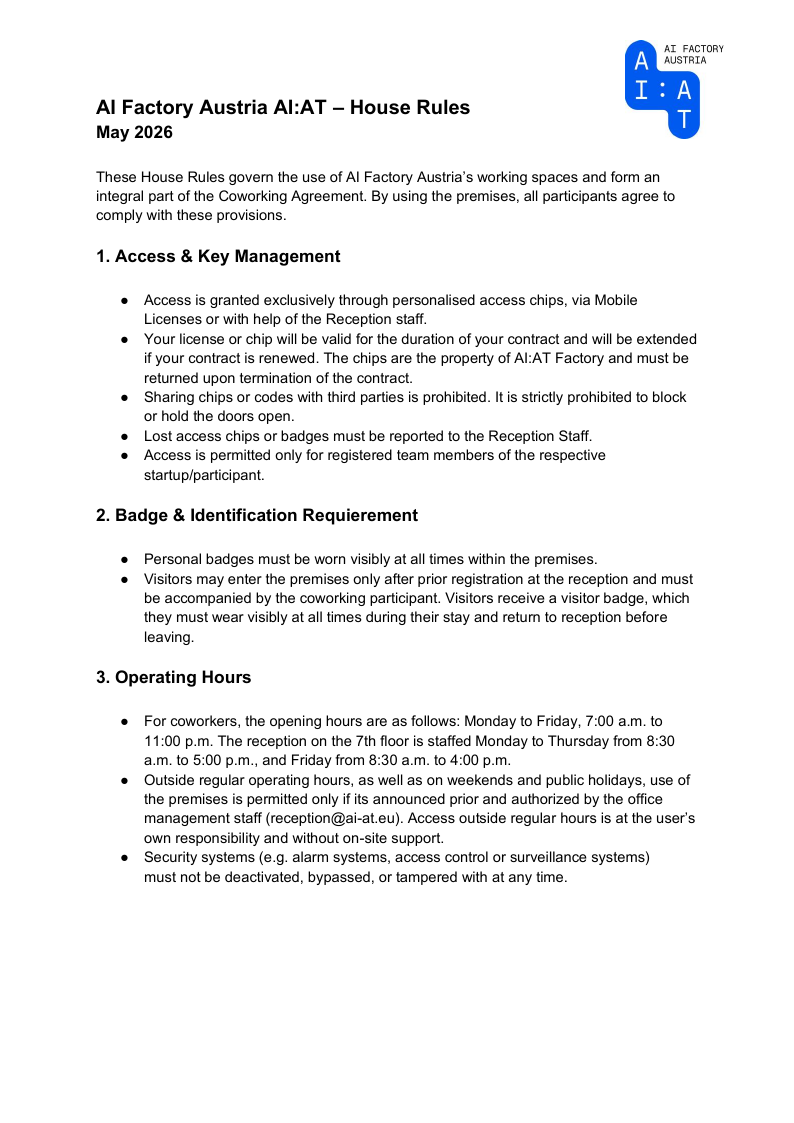 House RulesPDF · Coworker essentials02
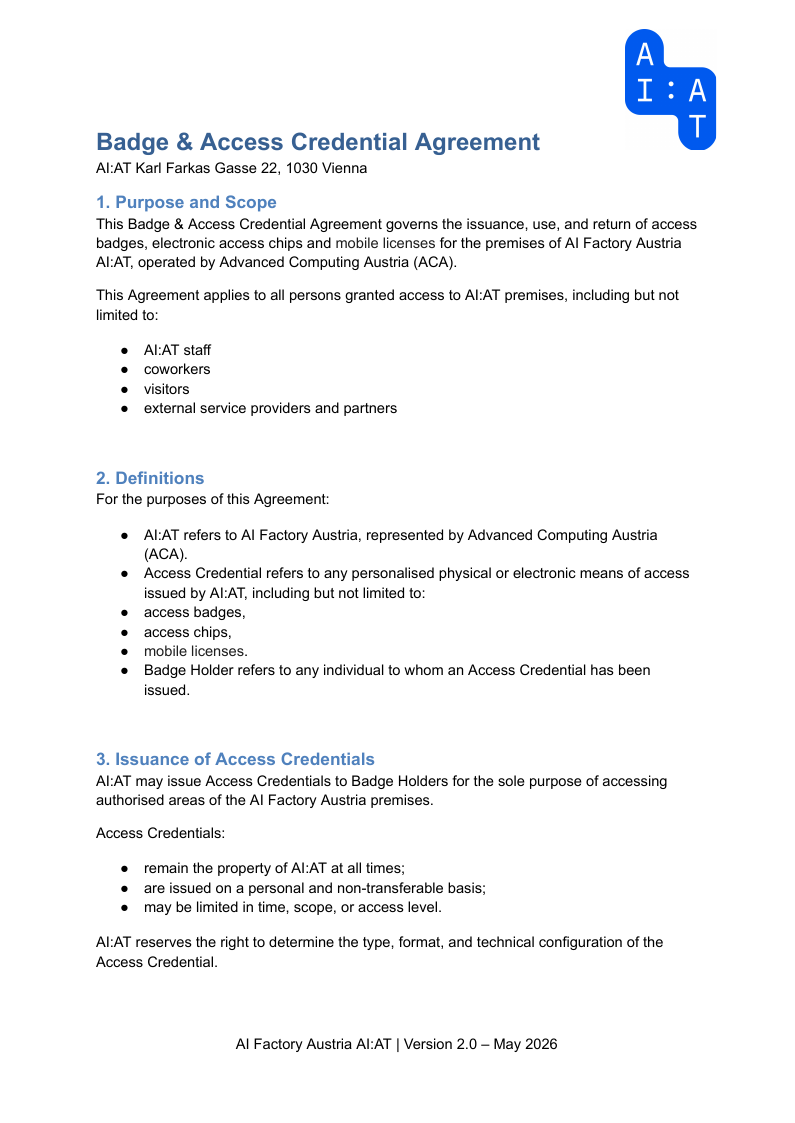 Badge & Access AgreementPDF · Building access03
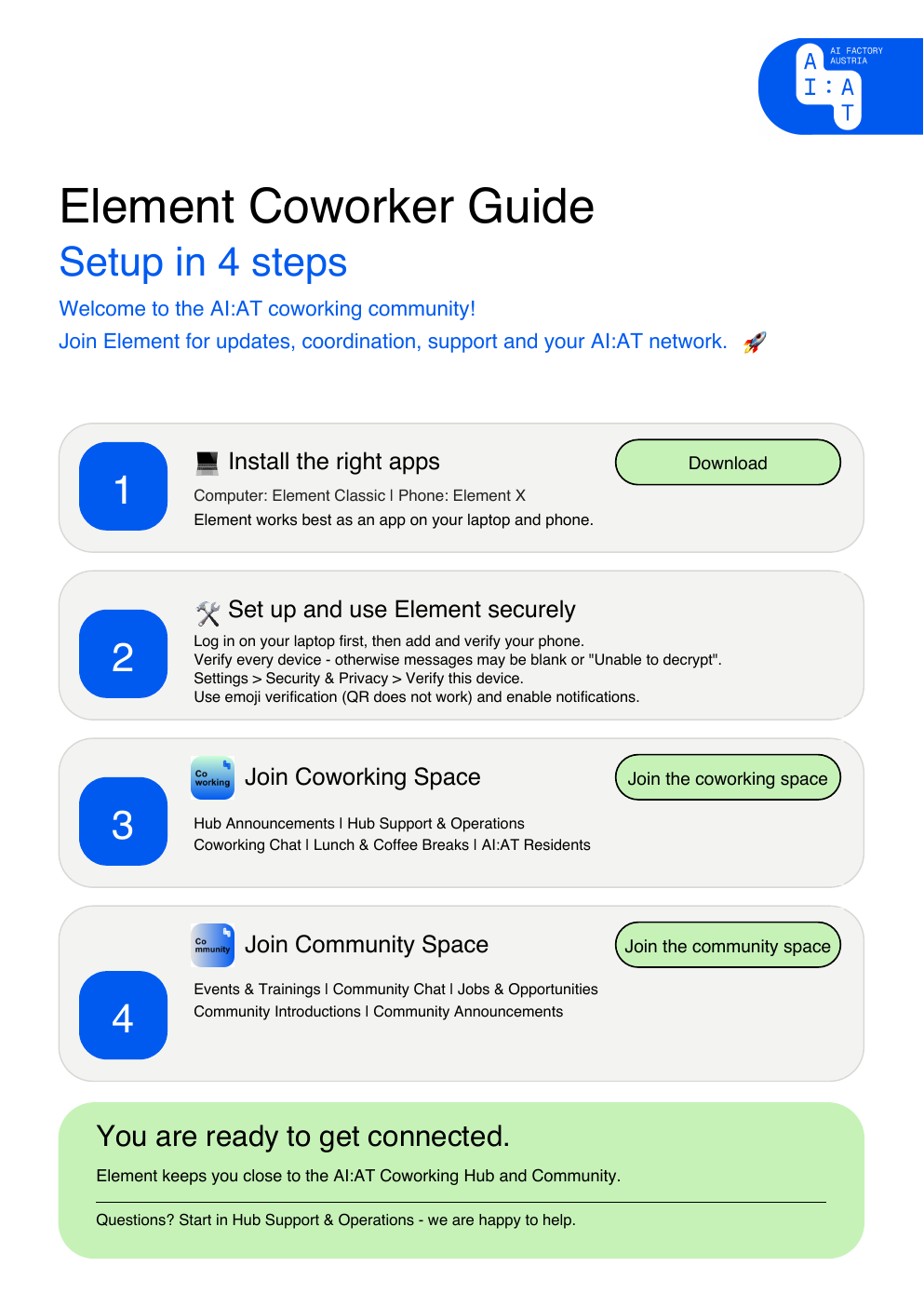 Element Onboarding GuidePDF · Community chat setup04
 Anny Booking GuidePDF · Desks, meeting rooms & check-in05
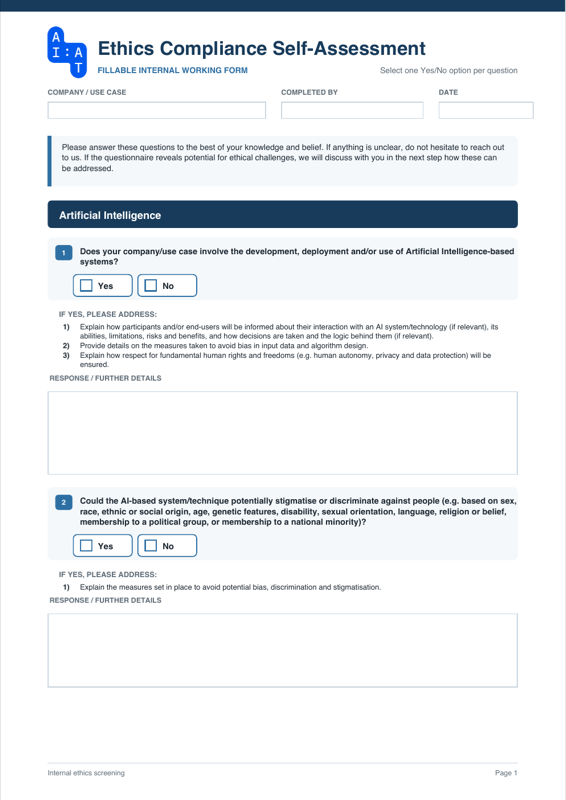 Ethics Compliance Self-AssessmentFillable PDF · Ethics compliance06
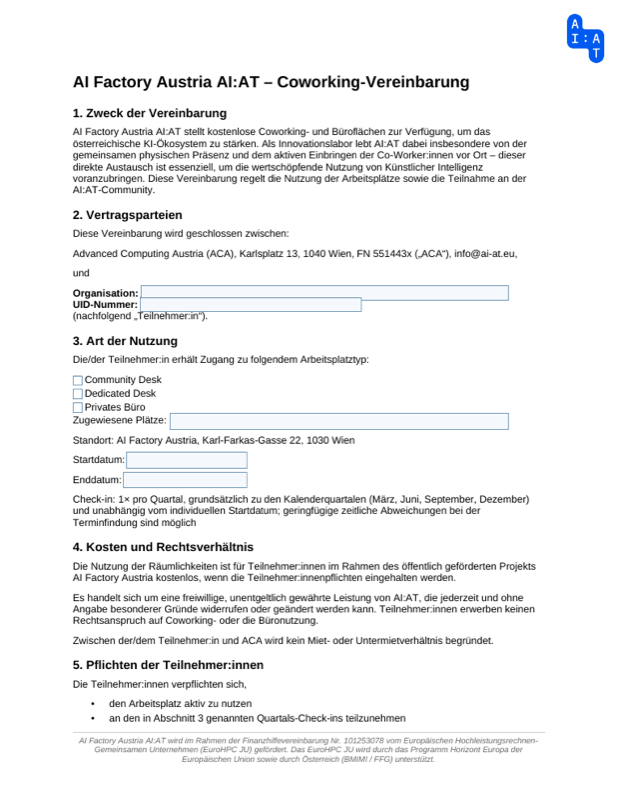 Coworking AgreementFillable PDF · Membership07
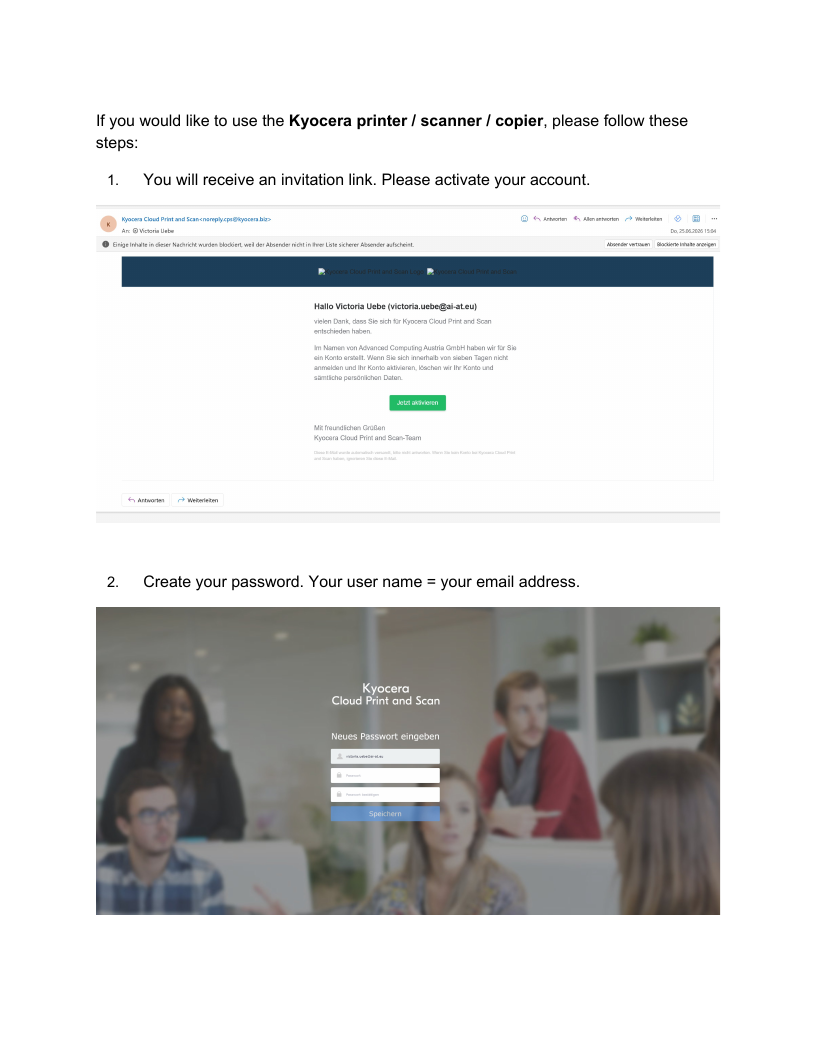 Printer Setup GuidePDF · Office equipment
Offboarding
Before your final day, let the Coworking team and Reception know when you are leaving and return any access items you received.
Email the Coworking team with Reception in CC and tell us your planned final day.
Email the Coworking teamPlease return your badge and, if you received one, your access chip or key to Reception. Take all personal belongings with you and, if you use a locker, empty it and let Reception know it is ready for someone else.
Contact ReceptionWe hope you’ll stay active in our AI:AT Community. We look forward to staying connected and seeing what comes next.
Still looking?
 Mara Weinblatt
 Nina Schneider
 Irina Tokareva
 Claudia Krügel
 Lena Wergen
 Daniel Pepl
 Julia Wimmer
 Veronika Belova
 Michael Löffler
 Peter Biegelbauer
 Yannik Gäbel
 Sophie Specht
 Mihai Cata
 Simeon Harrison
 Paul Krügel
 Ann-Sophie Brenk
 Michael Iro
 Julia Eisner
 Julian Kozak
 Jakob Roniger
 Anna-Lea Kutsch